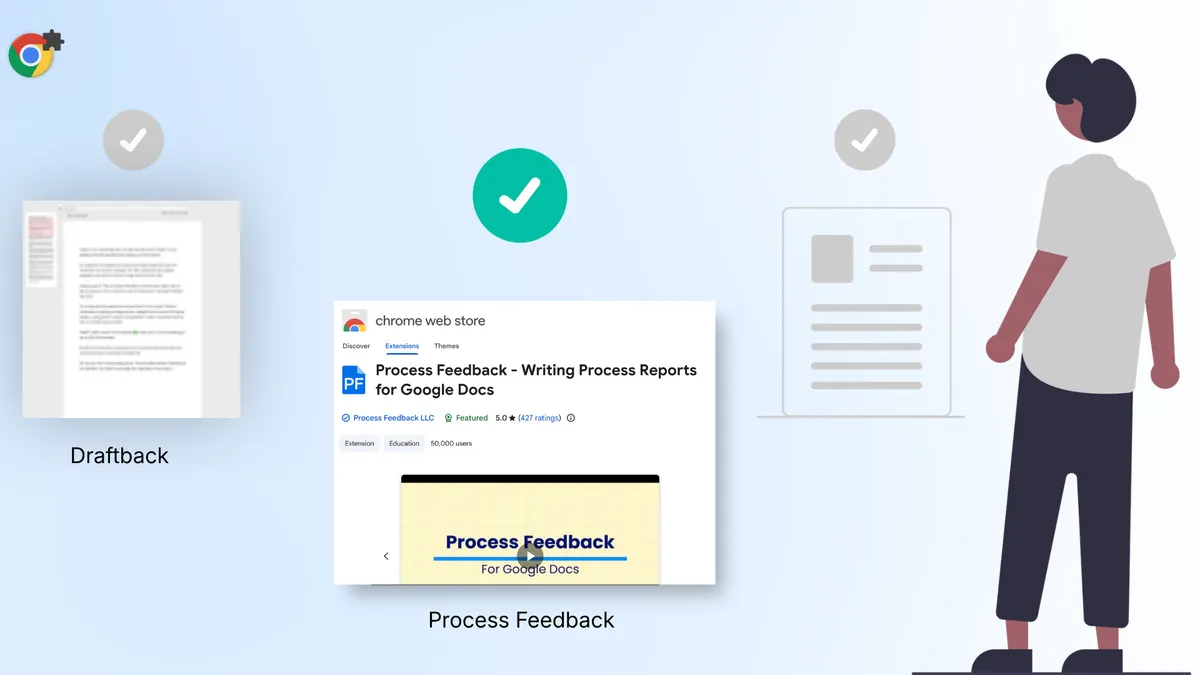
Draftback was one of the first tools to show that a Google Doc is not just a finished file: it has a history. With Draftback, teachers could replay a student’s writing like a movie and see when they typed, paused, and revised.
That was a genuinely useful idea and an instantly usable tool. But Draftback has recently changed.
It now costs $40 to $100 per year after a 30-day free trial. Draftback’s site describes replay and a document summary of writing patterns and time spent. It does not mention copy-paste events, shareable reports, or a class dashboard. It also chooses not to flag anything as suspicious, so it does not point out possible AI use.
If you are looking for a free Draftback alternative with those features, Process Feedback for Google Docs is worth trying.
Why teachers are moving away from Draftback
When Draftback was free, its limitations were easy to overlook. Now that it requires a subscription, teachers are asking a reasonable question: what do I actually get?
Here is how the two compare:
| Feature | Draftback | Process Feedback |
|---|---|---|
| Price | $40 - $100/year | Free |
| Writing replay | ✅ | ✅ |
| Copy-paste event detection | ⚠️ | ✅ |
| Typing time and session data | ⚠️ | ✅ |
| No data collected by default | ⚠️ | ✅ |
| Support for Google Docs tabs | ⚠️ | ✅ |
| Document contributors | ❌ | ✅ |
| Option to copy data and charts | ❌ | ✅ |
| Downloadable PDF report | ❌ | ✅ |
| Option to share report | ❌ | ✅ |
| Peer-reviewed papers on its approach | ❌ | ✅ |
| No account required | ❌ | ✅ |
| Styled text during replay | ❌ | ✅ |
| Dashboard view mode | ❌ | ✅ |
Draftback’s column is based on Draftback’s website and Chrome Web Store listing as of October 2026. ❌ means the feature is not mentioned there, and ⚠️ means it is offered in a limited form. If anything here is out of date, please email contact@processfeedback.org.
The numbers tell part of the story, but the real difference lies in intent.
Draftback describes itself as “uninterpreted playback, statistics, visualizations.” Process Feedback adds charts and summaries meant to help teachers and students understand the writing process.
What Process Feedback actually shows
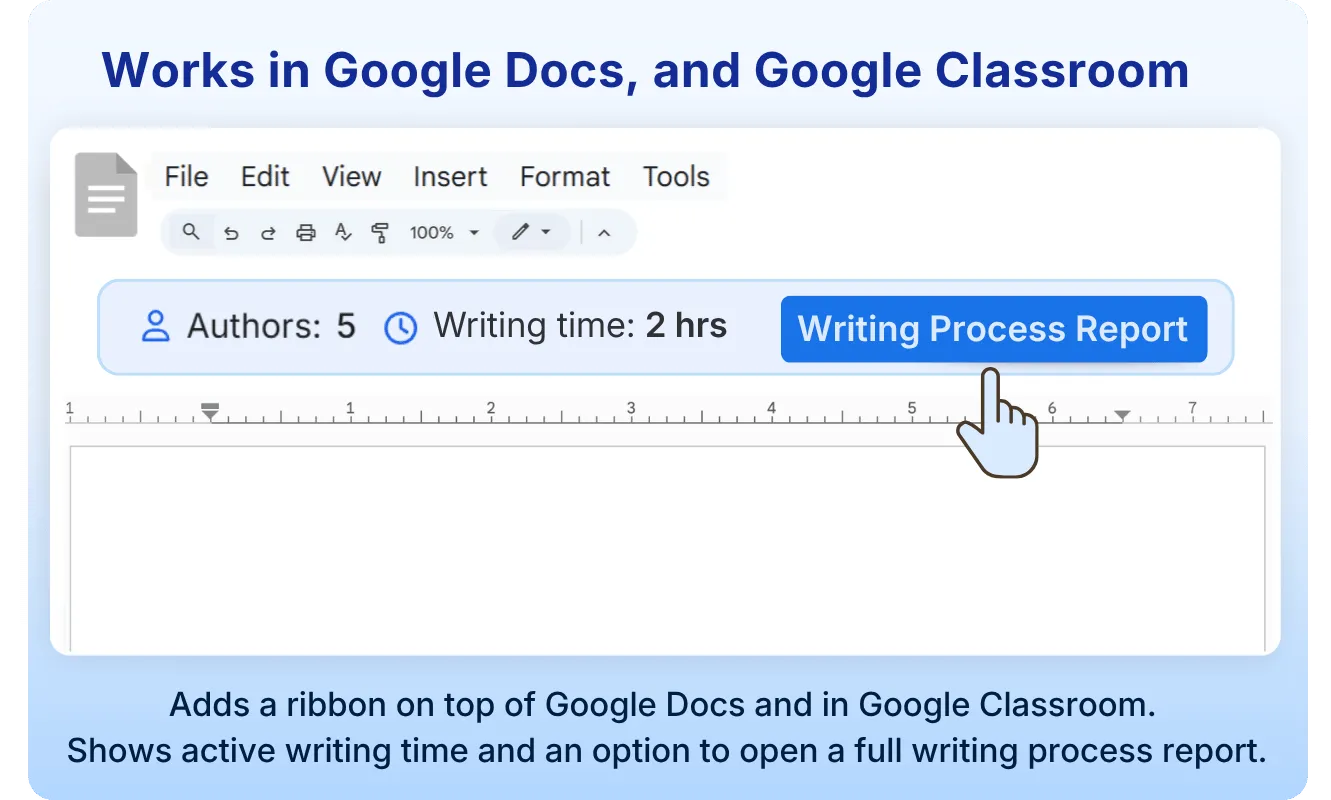
When a student opens a Google Doc and clicks “Writing Process Report,” Process Feedback reads the edit history Google already maintains and turns it into an interactive report. There is no background monitoring, and no data is collected unless the student chooses to share their report.
The report highlights key editing behaviors:
- Copy-paste tracking: Shows what content was pasted, when it was inserted, and how much text was added.
- Typing duration: Tracks total active writing time broken into individual writing sessions.
- Drafting vs. revision effort: Compares time spent writing new text against editing existing text.
- Break patterns: Identifies when students stepped away and measures how long those breaks lasted.
- AI interaction signals: Highlights content introduction patterns that help start honest conversations.
- Author contributions: Attributes specific edits to individual writers in collaborative documents.
- Video playback: Plays a complete visual replay of the writing process with formatting preserved.
- Writing process summary: Summarizes key observations about the overall writing process.
- Daily editing activity: Displays the specific dates when the document was actively edited.
- Edit locations: Maps edit size, timing, and location within the document structure.
“Very helpful as a jumping off point for conversations with students regarding whether or not the work is their own as well as if, when, and how to use AI.”
— ★★★★★ Chrome Web Store review (October 2025)
How students can prove their own work
Process Feedback is designed for students as well as teachers. Students can generate their own report and use it to reflect on their work or to show how they wrote it.
Students can use their writing process report to demonstrate authorship when their work is questioned, or when an assignment requires showing their process. They generate the report themselves, control what they share, and can submit it as a PDF or a live link.
“This tool allowed me to prove that I did not use AI.”
— ★★★★★ Firefox Web Store review (January 2026)
This distinction matters. An academic integrity conversation is much easier when a student can show exactly how their document evolved from the first keystroke.
The research behind it
Process Feedback grew out of peer-reviewed research published in Education Sciences in 2023, which proposed using visual analytics to understand how students write. The tool has been used in over 100 countries and holds a 5.0★ rating with over 400 verified reviews.
How to get started
The Process Feedback extension works in Chrome, Firefox, and Edge. Neither teachers nor students need an account, and students do not need to install it in advance. Anyone with edit access to a Google Doc can explore its writing process in two minutes:
- Install the Process Feedback for Google Docs extension
- Open any Google Doc you have editing access to
- Click “Writing Process Report” in the ribbon below the toolbar
- Explore the report, or share it via PDF or link
The teacher guides at processfeedback.org/docs/teachers provide step-by-step instructions for classroom use, including how to manage multiple student reports at once.
Draftback introduced an important idea: how students write matters as much as what they submit. Process Feedback takes that idea further by grounding it in research, keeping it free, and placing the student at the center of the process.
You can start by viewing a sample student report or by installing the extension to explore one of your own Google Docs. For a full comparison with other similar tools you can read how Process Feedback for Google Docs compares to others.