An Editor for Writing-Based Assignments
An online editor for assignments where process matters. Shows editing time, revision effort, paste events, and more.
No accounts or installations required
Works for a single assignment or a full course
Includes safeguarded AI for grammar only
Designed for reflection and discussion
What is the Process Feedback Editor?
The Process Feedback online editor is an online writing space for assignments where the writing process matters. As students write, the editor can generate a "writing process report" that they can review themselves or share with others for reflection, feedback, or discussion. Teachers decide how (or whether) to use the writing process report for feedback, discussion, or assessment.
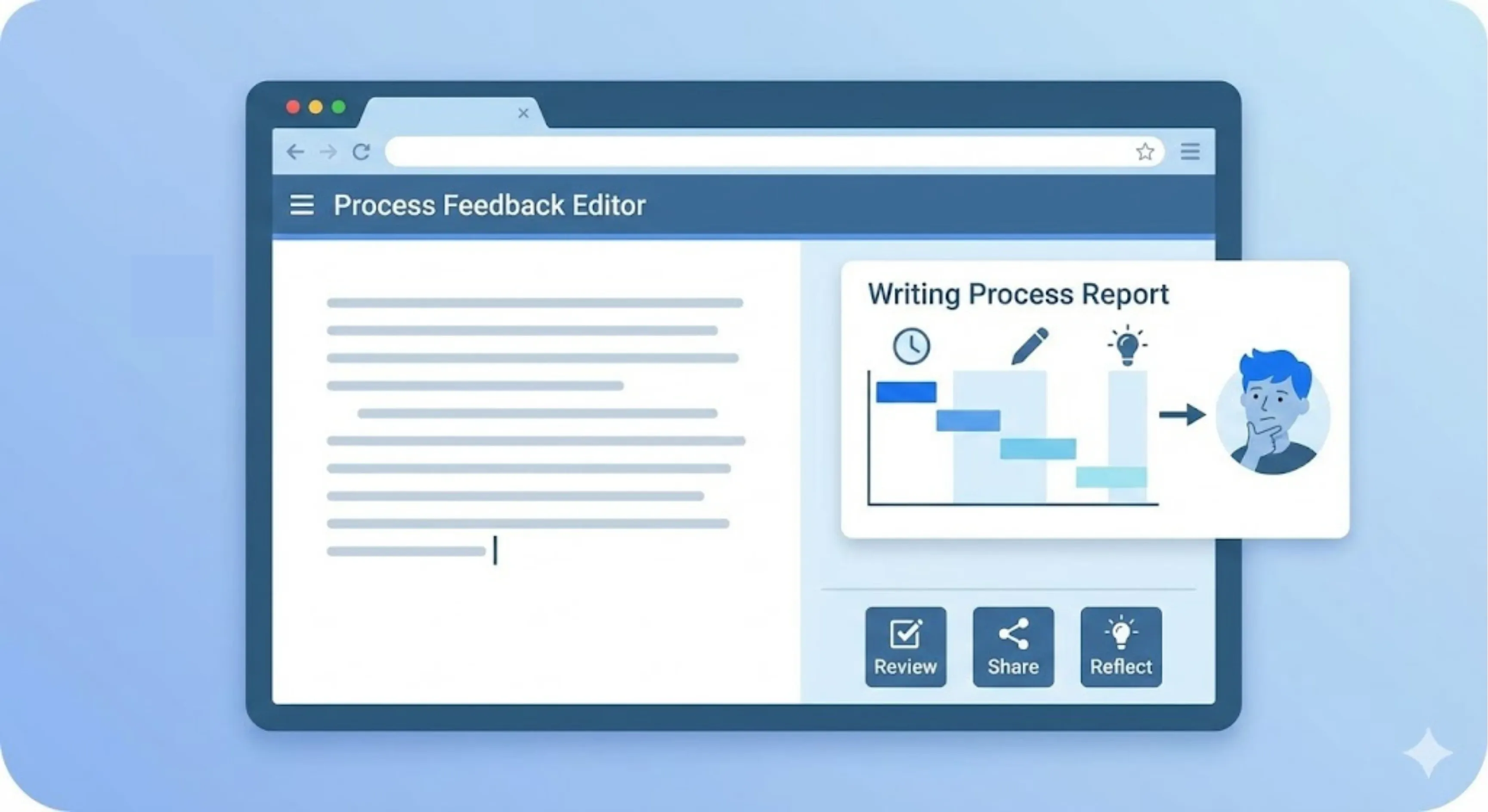
Use this editor in your class, if you want to:
-
Emphasize revision and effort -
Discuss writing habits or AI use openly -
Move conversations away from suspicion and toward learning
This is an excellent app; it shows students that we care about their learning and hard work on writing.
★★★★★ 5.0 rating · Dec 2025
Verified Chrome Web Store Review
When to use the Editor in a class?
Use the Process Feedback editor when you want to introduce writing-process reflection without redesigning your course.
This editor is commonly used when teachers want to:
-
try a single, low-stakes assignment; -
ask students to reflect on how they write, not just what they submit; or -
support conversations about revision, effort, or AI use in a transparent way.

I've used this on just one assignment with my students, but it's been incredibly helpful for seeing some of their drafting process.
★★★★★ 5.0 rating · Dec 2025
Verified Chrome Web Store Review
Why teachers prefer a custom Editor
The custom editor is designed to reduce friction for both teachers and students.
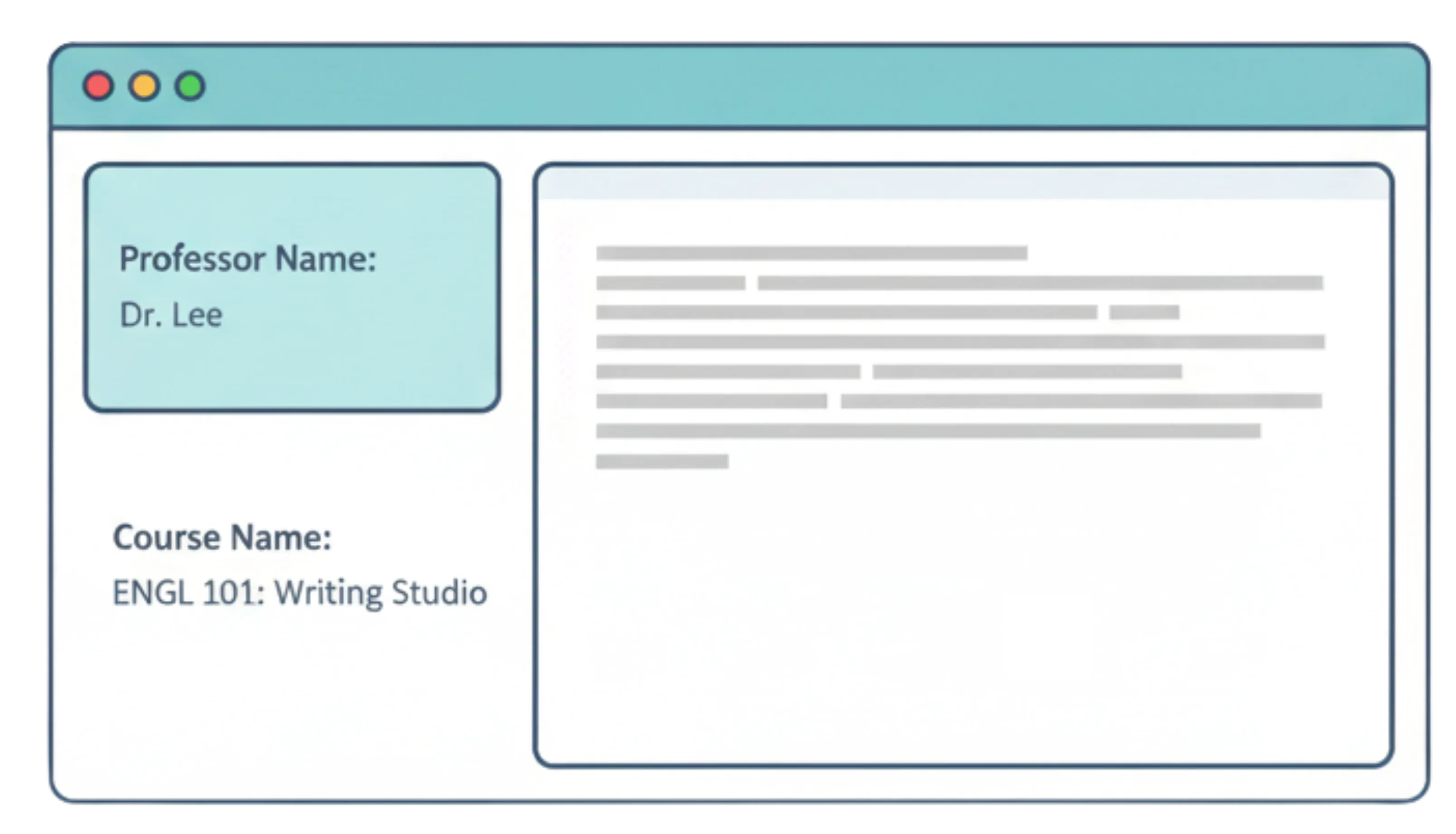
Teachers prefer it because it:
-
uses one reusable link for an entire term; -
requires no student accounts, emails, or logins; -
displays the course or teacher name inside the editor; and -
provides a familiar, distraction-free writing environment.
There is no way you can STOP students from using AI. Instead, focus on the writing PROCESS!
★★★★★ 5.0 rating · Jun 2025
Verified Chrome Web Store Review
What students experience
Students write in a clean editor and can see their own writing process data.
-
No hidden trackers -
No automatic assessments or scores -
Process data supports reflection and discussion

I'm so glad I found this app. I've been accused of using AI on my writing assignment when that's the farthest from the truth! But with this tool, I feel more assured that my originality can be defended.
★★★★★ 5.0 rating · Dec 2025
Verified Chrome Web Store Review
Best editor for in-class writing instead of paper writing
Use the Process Feedback Editor for in-class writing so students can draft, revise, and reflect without paper copies.
It works well for in-class writing because it:
-
starts instantly with no logins or installs -
keeps drafting and revision in one place -
supports post-writing reflection and discussion
Frequently Asked Questions

See It in Action
See a sample course editor for English 101, or create an editor for your course in minutes. No account required, and it's free for teachers and students.